How to Change Your Mobile Number on 883V?
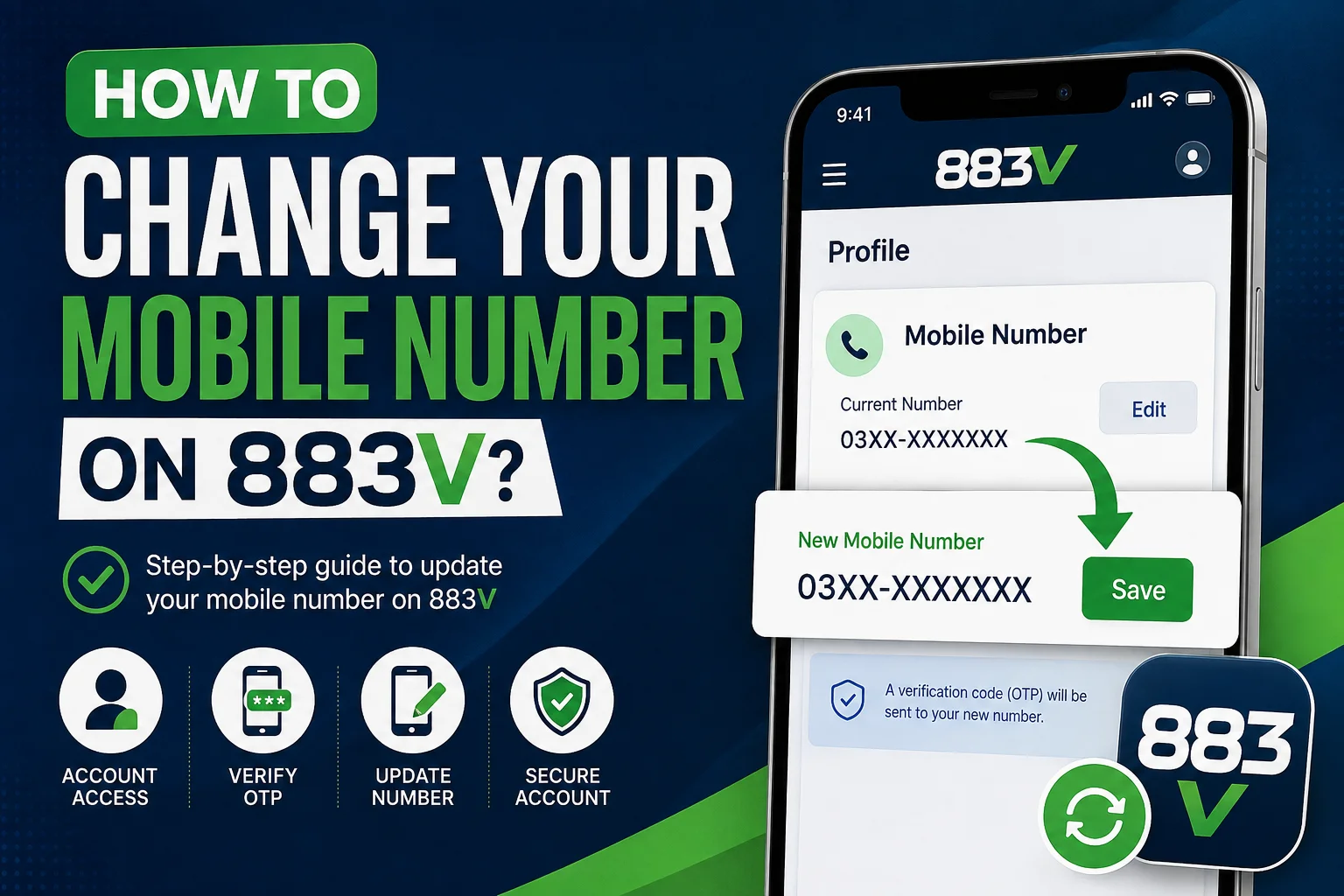
To update the mobile number linked to your 883V account, login and open Profile, Account, or Settings. If your current version allows number changes, enter the new mobile number and complete the required verification.
If the option is unavailable or you no longer have access to your old SIM, use the available 883V support process for assistance. Because app interfaces and account features can change between versions, the exact menu names may differ. Follow the options available in your current account.
How to Update Your Mobile Number on 883V
| Your situation | What to do |
|---|---|
| You can access your account and old number | Check Profile, Account, or Settings for a mobile-number editing option |
| You can access your account but lost the old SIM | Check whether another verification method is available; otherwise contact support |
| There is no number-change option | Use the available 883V support process |
| Your OTP is not arriving | Check the number, mobile signal, SMS delivery, and try again later |
| Your new number is already registered | Ask support about the number and existing account |
| You cannot access your account | Use the available account-recovery or support process |
What to Do If You Cannot Change Your Number?
Whether you can directly change your registered mobile number depends on the account-management options available in your current version of 883V.
If your account includes an editable mobile-number field, you can follow the verification process displayed by the application. The option may appear under Profile, Account, Settings, or another account-management section.
However, you should not assume that every account has the same option. Application features and account interfaces can change after updates.
If you cannot find a way to edit the registered number, the safest approach is to use the available 883V support process rather than creating another account or attempting to bypass account verification.
Before changing your number, make sure your new SIM is active and capable of receiving SMS messages if verification is required.
What Do You Need Before Changing Your Number?
Before starting the process, prepare:
- Access to your existing account
- Your new active mobile number
- A phone capable of receiving SMS messages
- Your current login credentials
- Your username or account ID, if support requests it
- A stable internet connection
Use a mobile number that you personally control. Avoid using a temporary or borrowed number because you may need access to it for future verification or account recovery.
How to Change Your Mobile Number on 883V?
If your current account provides a mobile-number editing option, follow these steps.
1. Log In to Your 883V Account
Open the game Application and Login using your existing account details.
If you can access your account normally, check your profile or account settings before taking any other action.
If you cannot log in because you no longer have access to your old number, see the section below about changing your number without the old SIM.
2. Open Profile or Account Settings
After logging in, look for the section containing your account information.
Depending on your current version, it may be labelled:
- Profile
- My Account
- Account Settings
- Personal Information
- Security
- Settings
The exact label can vary, so focus on finding the section where your registered account information is displayed.
3. Find Your Registered Mobile Number
Locate the mobile number currently connected to your account.
If you see an Edit, Change, or similar option, select it.
If the number is displayed but cannot be edited, your current account interface may not support direct mobile-number changes.
4. Enter Your New Mobile Number
Enter your new mobile number carefully.
Check every digit before submitting the change. An incorrect number could prevent you from receiving verification messages or make future account recovery more difficult.
Use a number that belongs to you and that you expect to keep active.
5. Complete Any Required Verification
If 883V asks you to verify the new number, follow the instructions displayed by the application.
This may involve entering an OTP sent to your mobile phone.
Never share an OTP with another person. A verification code should remain private, even if someone claims to be a support representative or administrator.
6. Confirm the Update
Complete the final confirmation step shown by your account.
Depending on the current interface, this could be labelled Save, Confirm, Update, or something similar.
Wait for the application to confirm the change before closing the page.
7. Check Your Account Information
Return to your profile or account settings and check that the information has been updated correctly.
If the mobile number is used for account access or verification, make sure you remember the new number and can receive messages on it.
What If There Is No Change Mobile Number Option?
If you cannot find a mobile-number editing option, you may not be able to make the change directly from your account.
First, check the complete Profile, Account, and Settings sections. If the option is still unavailable, use the available 883V support channel and explain that you want to update the mobile number connected to your existing account.
You may be asked for information such as your username or account ID to verify account ownership.
Only provide information that is necessary for account verification.
Never give your password, OTP, wallet PIN, or other confidential security credentials to someone claiming they can change your number for you.
Can You Change Your 883V Number Without the Old SIM?
Losing access to your old SIM can make the process more difficult, especially if your account requires verification through that number.
If you are still logged in, check whether your account provides another way to update the registered number.
If an OTP must be sent to your old number and you can no longer receive it, use the available 883V support process and explain that you have lost access to the SIM.
You may need to provide additional information to confirm that you own the account.
Do not attempt to bypass the verification process or create a duplicate account simply because you no longer have your old SIM.
Why Is My 883V OTP Not Arriving?
If you requested an OTP but have not received it, check these common causes.
Check Your Mobile Signal
Make sure your phone has a working cellular connection. Poor coverage can delay SMS messages.
Check the Number
Confirm that you entered the correct mobile number. Carefully check the country code and individual digits.
Check Your SMS Inbox
Make sure your phone can receive normal SMS messages. If your device has blocked or filtered-message settings, check those as well.
Avoid Repeated Requests
Requesting several OTPs in quick succession can cause confusion because an earlier code may become invalid after a newer one is generated.
Wait briefly and use the latest valid code provided.
Try Again Later
If your number is correct and your phone can receive other SMS messages, the issue may be temporary. If OTP delivery continues to fail, use the available support process.
What If My New Number Is Already Registered?
Your new mobile number may already be associated with another 883V account.
If that happens, avoid repeatedly trying to attach the number or creating additional accounts to work around the issue.
Instead, contact the available support channel and explain that the mobile number you want to use is already registered.
The appropriate solution depends on the account and verification rules currently in place.
What Happens After Changing Your Number?
After completing the update, check your account information to confirm that the correct mobile number is displayed.
Keep the new SIM active and accessible, particularly if the number is used for future verification or account recovery.
If you later notice that the old number is still displayed, do not assume that the change was completed. Check the account settings again or contact support if necessary.
The exact screens and account features may differ between versions, so follow the information displayed by your current 883V application.
Keep Your 883V Account Secure
Changing a mobile number is also a good time to review your account security.
Protect Your Login Details
Use a strong password and do not share it with other people.
Never Share OTPs
OTP codes are private verification credentials. Do not send them to another person through SMS, WhatsApp, social media, or any other channel.
Use Official Support
If you need help changing your number, use the appropriate support process rather than relying on people who offer unofficial account assistance.
Be especially careful if anyone asks for your password, OTP, wallet PIN, or other sensitive information.
Common Problems When Changing an 883V Mobile Number
- No number-change option: Check Profile, Account, and Settings. If the option is unavailable, use the available support process.
- Old SIM is unavailable: If verification requires the old number, ask support about the account-ownership verification process.
- OTP is not arriving: Check the number, mobile signal, SMS delivery, and wait before requesting another code.
- Wrong number entered: Review every digit before confirming the update.
- New number is already registered: Contact support instead of creating duplicate accounts.
- Account cannot be accessed: Use the available recovery process or contact support if you cannot regain access.
FAQ’s
Open your account information and confirm that the correct number is displayed. Also make sure you can receive messages on the new SIM before relying on it for future verification.
Yes. If your new number is used for future verification or account-recovery steps, you should keep the SIM active and accessible.
If the number is already associated with another account, the platform may not allow you to use it for your current account. If this occurs, use the available support process rather than creating duplicate accounts.
First, refresh the account information and check the profile/settings section again. If the old number is still displayed, the update may not have been completed, so use the available support process for clarification.
If you know that your current number will stop working, updating your account while you still have access to the old SIM can make verification easier, if your account provides a number-change option.
Have your username or account ID available if required. Only provide information necessary for account verification, and never share your password, OTP, or wallet PIN.