How to Deposit and Withdraw Using JazzCash and Easypaisa on 883V Game
For many Pakistani users, the most important part of using 883V Game isn’t downloading the app or creating an account it’s understanding how deposit and withdraw works. Since JazzCash and Easypaisa are two of Pakistan’s most popular digital payment services, many users prefer apps that support these familiar options.
This guide explains how to use JazzCash and Easypaisa with 883V App in a simple and practical way. Instead of only showing the steps, we’ll also explain what to check before making a transaction, how to avoid common mistakes, and why it’s important to verify payment details before sending money. Keep in mind that payment methods, limits, and processing times may change with future app updates.
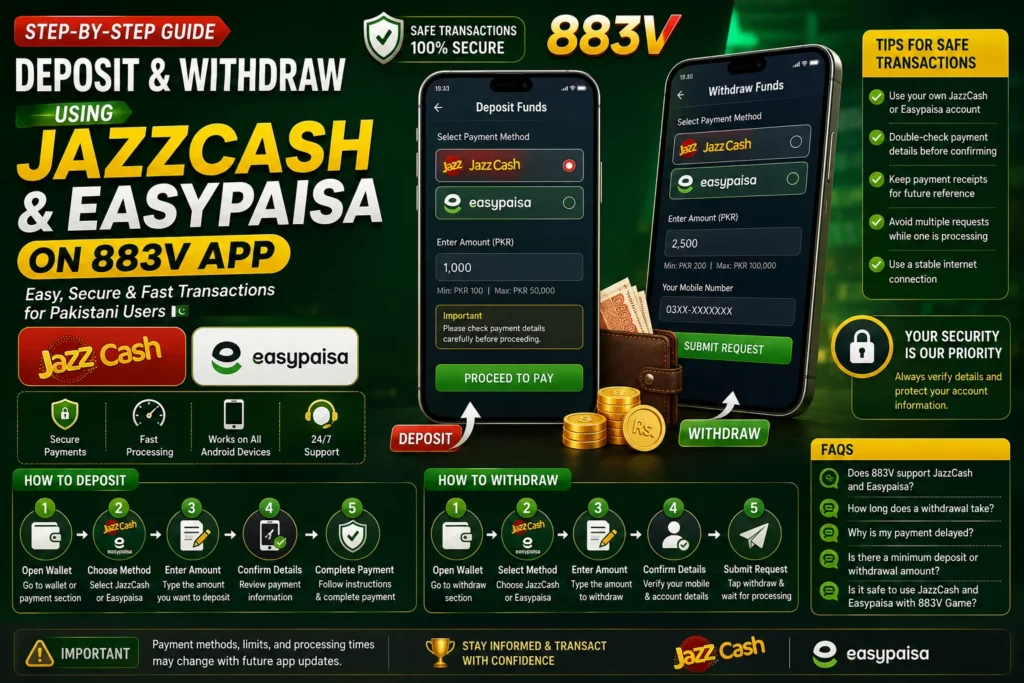
Before You Make Your First Transaction
Before depositing or requesting a withdrawal, take a few minutes to review your account. This is one of the easiest ways to avoid unnecessary delays or Pending withdrawals.
Make sure you’re Register and login mobile number is active. If the app requires account verification, complete that process before attempting any financial transaction. It’s also a good idea to ensure your JazzCash or Easypaisa account is active and has no restrictions that could prevent payments from being processed.
Another point that’s often overlooked is internet stability. A weak connection can interrupt a payment request or delay confirmation messages. Whenever possible, complete transactions using a reliable mobile data connection or Wi-Fi.
How to Deposit Money Using JazzCash or Easypaisa
The exact deposit process may vary slightly depending on the latest version of the app, but the overall steps are usually similar.
Step 1: Open the Wallet Section
After logging in, go to the wallet or payment section. This is where you’ll find the available deposit options.
Step 2: Choose Your Payment Method
Select JazzCash or Easypaisa if they’re available in your region. Some versions of the app may also display additional payment methods.
Step 3: Enter the Deposit Amount
Type the amount you want to deposit. Before continuing, review the minimum or maximum deposit limits shown inside the app, as these can vary.
Step 4: Confirm the Payment Details
Carefully check the payment information displayed on the screen. A quick review can help prevent mistakes, especially if you’re making a transaction for the first time.
Step 5: Complete the Payment
Follow the instructions provided by JazzCash or Easypaisa to authorize the transaction. Once the payment is confirmed, return to the app and wait for your balance to update. Processing times may differ depending on the payment service and current system activity.
Tips Before Making a Deposit
Over time, we’ve noticed that many transaction issues are caused by small oversights rather than technical problems. These simple habits can help make the process smoother:
- Double-check the payment amount before confirming.
- Make sure you’re using the correct payment account.
- Keep a screenshot or transaction receipt until the payment is reflected in your account.
- Avoid refreshing the app repeatedly while a payment is processing.
- Read any payment instructions displayed inside the app before confirming the transaction.
Taking these precautions only takes a minute and can save time if you ever need to verify a payment later.
Why Deposits Sometimes Take Longer?
Most deposits are processed within a reasonable time, but delays can occasionally happen. High transaction volumes, temporary payment service maintenance, or network issues can all affect processing times.
If your balance doesn’t update immediately, avoid making another payment right away. First, check your transaction history in JazzCash or Easypaisa, then wait for the recommended processing period. If the issue continues, contact the platform’s customer support with your payment details for assistance.
How to Withdraw Using JazzCash and Easypaisa
Withdrawing funds from 883V Game is usually a simple process if your account details are correct. Before requesting a withdrawal, make sure your payment information is up to date and review the platform’s latest withdrawal rules.
Step 1: Open the Wallet
Login and go to the Wallet or Withdraw section.
Step 2: Select a Payment Method
Choose JazzCash or Easypaisa, depending on the option available.
Step 3: Enter the Withdrawal Amount
Type the amount you want to withdraw. Check the minimum withdrawal limit before submitting your request.
Step 4: Confirm Your Details
Verify your registered mobile number and payment account information. Incorrect details may delay your transaction.
Step 5: Submit the Request
Tap Withdraw and wait for the request to be processed. Processing times can vary depending on the platform and payment service.
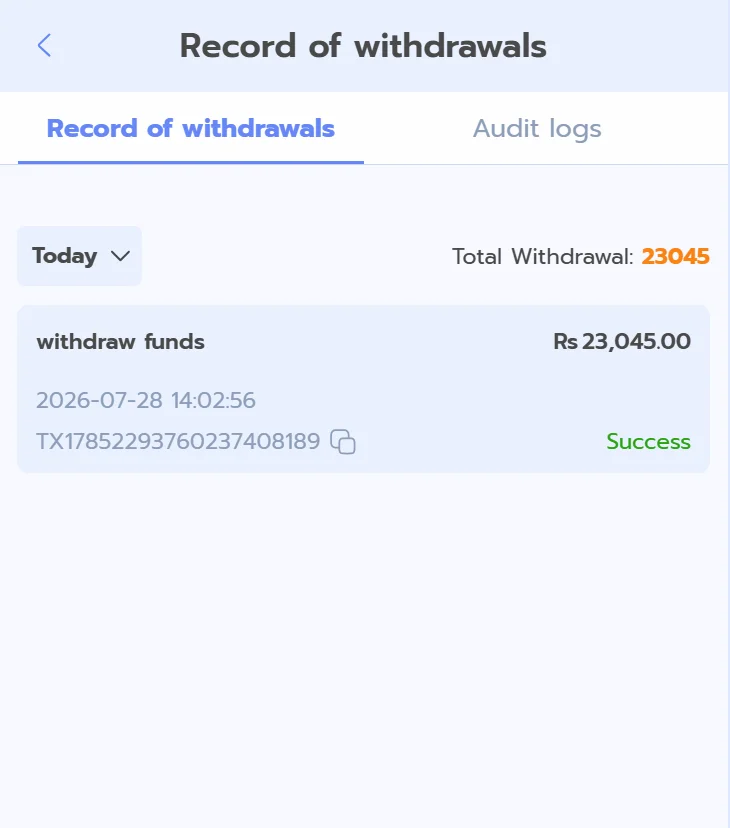
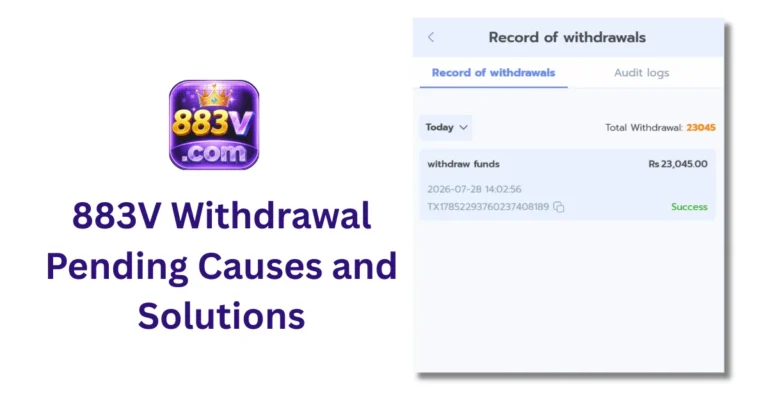
Common Withdrawal Issues
Most payment requests are completed without problems, but delays can sometimes occur.
- Double-check your payment details before submitting.
- Ensure your account is verified if required.
- Wait for the stated processing time before contacting support.
- Keep your transaction record until the payment is received.
Tips for Safe Transactions
Following a few simple practices can help you avoid common payment issues.
- Use only your own JazzCash or Easypaisa account.
- Review the payment details before confirming.
- Save payment receipts for future reference.
- Avoid making multiple requests while one is already processing.
- Download app updates from trusted sources only.
Frequently Asked Questions
The app may support JazzCash and Easypaisa for eligible users. Available payment methods can change, so check the latest version of the app.
Processing times vary depending on the platform and payment service. If your request takes longer than expected, review your transaction status before contacting support.
Delays may happen because of incorrect account details, network issues, system maintenance, or additional verification requirements.
The minimum amount depends on the current platform rules. Always check the latest limits inside the app before making a transaction.
Using trusted payment methods can make transactions more convenient. Always verify payment details, protect your account information, and use the latest version of the app.
Conclusion
JazzCash and Easypaisa make deposits and withdrawals more convenient for many Pakistani users. Before making any transaction, review the latest payment rules, confirm your account details, and keep a record of your payment until it is completed.
Payment methods, limits, and processing times may change as the app is updated. Staying informed and following the platform’s instructions will help you complete transactions more smoothly and avoid unnecessary issues.